
Even the most powerful, high-bitrate streaming subscription will struggle with stutter, dropped frames, and audio desynchronization if paired with underpowered, outdated hardware. Choosing the right IPTV equipment is the foundational step toward unlocking reference-grade 4K live sports, instantaneous channel zapping, and fluid on-demand cinema in your living room.
Many cord-cutters make the mistake of attempting to decode uncompressed 4K 60FPS video feeds using decade-old television processors or cheap, generic TV dongles equipped with barely 1 GB of RAM. In contrast, modern IPTV equipment—ranging from high-speed streaming sticks to dedicated media receivers and Wi-Fi 6 mesh routers—is engineered specifically to process high-bitrate H.265 (HEVC) streams without thermal throttling.
Before assembling your hardware, understanding what IPTV technology is and how digital data packets are transmitted helps you eliminate bottlenecks across your entire setup. When you combine optimal hardware with an enterprise provider like SpaceOTT, you unlock over 20,000 live international channels, free pay-per-views, and an enormous 95,000+ movie vault with zero lag.
Complete IPTV Equipment Directory
- 1. The Core Tiers of Modern IPTV Equipment: Sticks, Boxes & Receivers
- 2. Essential Hardware Specifications: RAM, GPU Decoders & Storage
- 3. Networking Equipment: Gigabit Ethernet, Wi-Fi 6 & Mesh Routers
- 4. Dedicated MAG & Formuler Receivers vs. Modern Smart Streamers
- 5. Display & Audio Gear: HDMI 2.1, Soundbars & 4K Panels
- 6. Why SpaceOTT Maximizes Performance on Any IPTV Equipment
- 7. Comprehensive Comparison Table: Top IPTV Equipment Tested
- 8. Pairing Your IPTV Equipment with SpaceOTT in 3 Minutes
- 9. Frequently Asked Questions (FAQ)
- 10. Master Verdict: Build Your Ultimate 4K Streaming Setup
The Core Tiers of Modern IPTV Equipment: Sticks, Boxes & Receivers
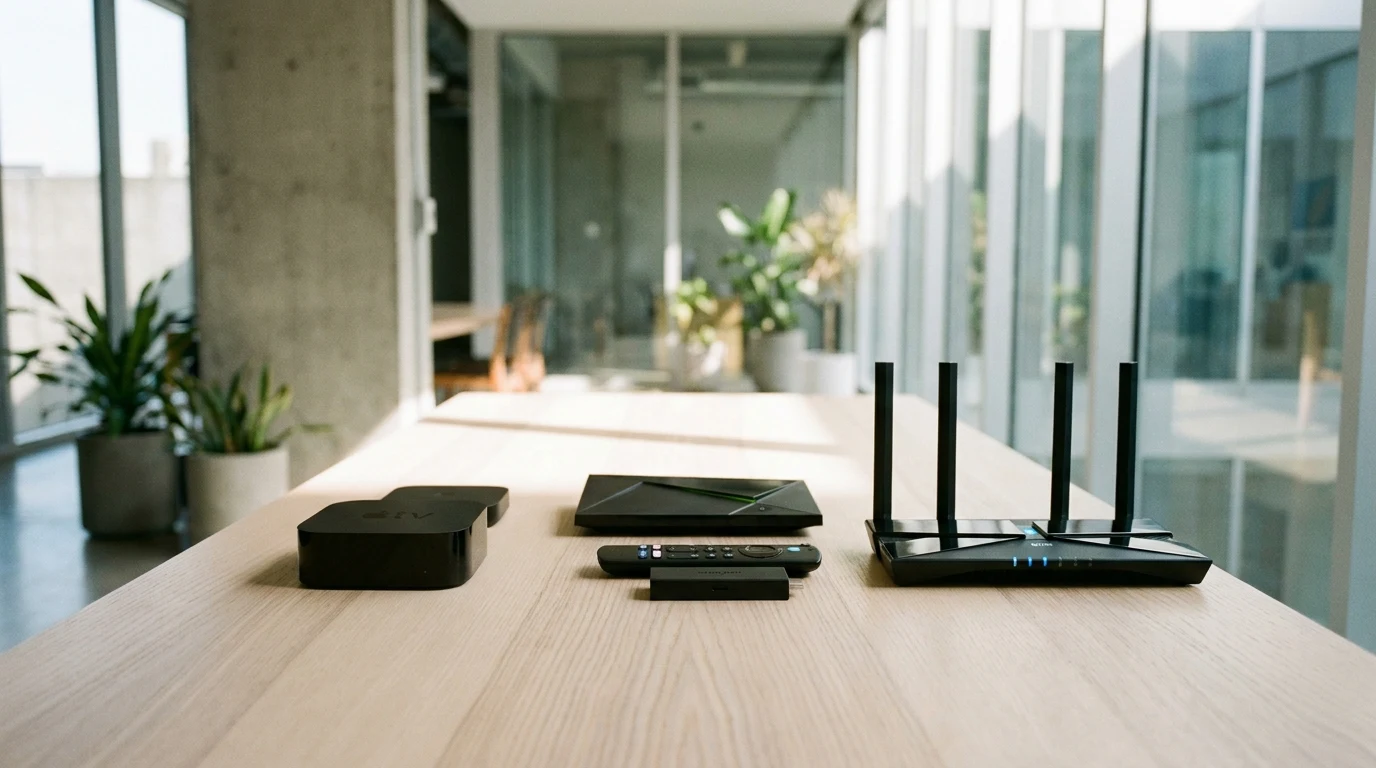
The market for IPTV equipment is divided into three distinct performance categories, each suited to different viewing habits and budgets:
- Compact Streaming Sticks (Entry to Mid-Range): Devices like the Amazon Fire TV Stick 4K Max and Google Chromecast offer plug-and-play HDMI portability, fast Wi-Fi 6 wireless connectivity, and direct app sideloading.
- Flagship Streaming Boxes (High-End Performance): Premium hardware such as the Apple TV 4K (A15 Bionic) and Nvidia Shield Pro delivers massive processing headroom, hardware-level Auto Frame Rate (AFR) matching, and native Gigabit Ethernet ports. For Apple enthusiasts, configuring a dedicated IPTV on Apple TV setup provides the smoothest trackpad navigation available.
- Dedicated IPTV Set-Top Boxes (Specialized Receivers): Hardware like Formuler Z11 Pro Max and Infomir MAG boxes operates on specialized middleware designed exclusively for traditional satellite-style channel surfing.
Essential Hardware Specifications: RAM, GPU Decoders & Storage
When selecting your IPTV equipment, internal component specifications directly dictate stream stability. Running heavy 20,000-channel playlists with live Electronic Program Guide (EPG) timelines requires adequate memory bandwidth.
Non-Negotiable Hardware Standards for 4K Playback:
Minimum 2 GB RAM: Devices with only 1 GB of RAM suffer from memory exhaustion and app crashing when rendering multi-screen live feeds.
Hardware H.265 (HEVC) & AV1 Decoders: A dedicated GPU decoder renders 60 FPS sports streams natively with near-zero CPU load, preventing device overheating.
Minimum 8 GB to 16 GB Internal Storage: Provides sufficient flash storage for EPG databases, video thumbnail caching, and local scheduled recording buffers.
Networking Equipment: Gigabit Ethernet, Wi-Fi 6 & Mesh Routers
A frequent mistake among cord-cutters is investing in high-end streaming boxes while connecting them to congested 2.4 GHz ISP modem routers. As evaluated in CNET’s live TV streaming and cable replacement benchmark, clean network throughput is far more critical than raw advertised broadband speed.
To eliminate packet loss during high-stakes live sports on your IPTV equipment:
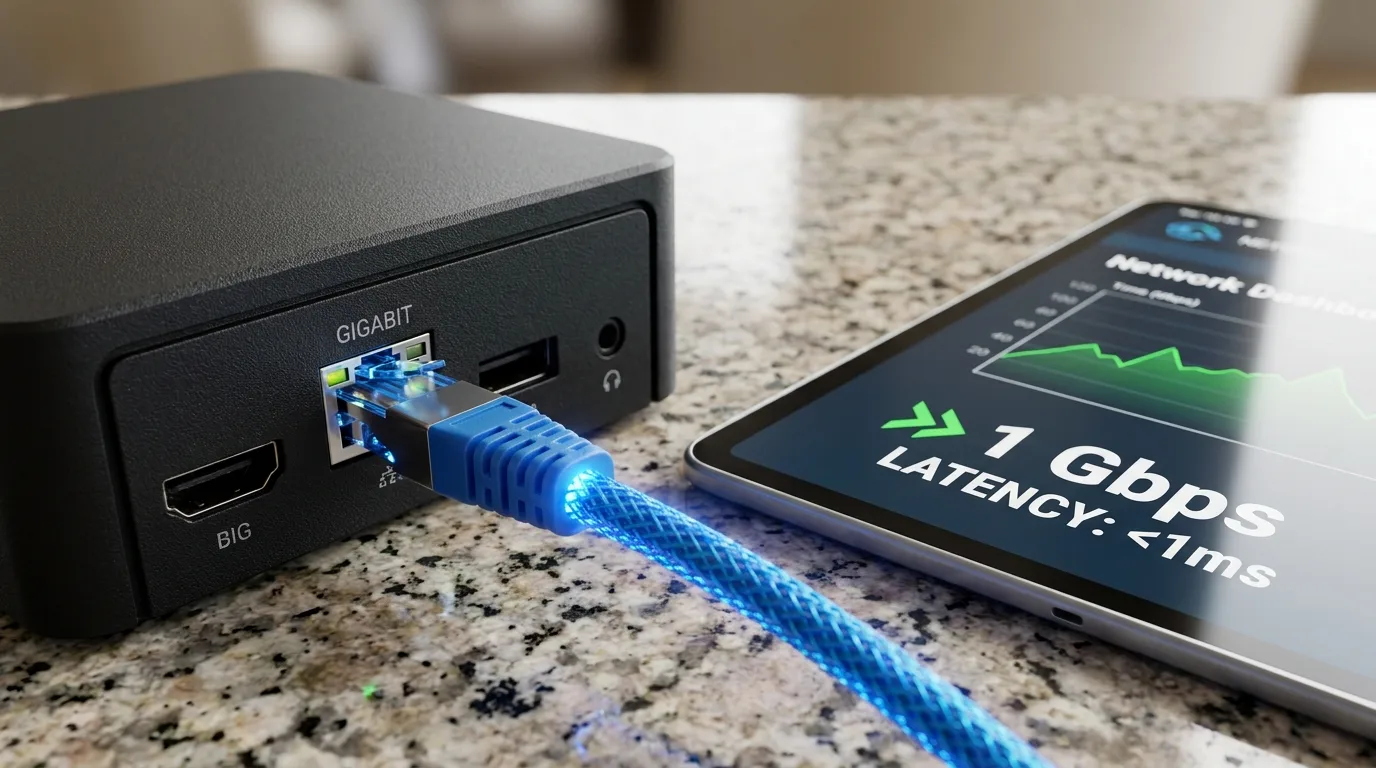
- Hardwired Gigabit Ethernet Adapters: Connecting an inexpensive USB-to-Ethernet adapter provides an uninterrupted physical data pipeline that eliminates Wi-Fi drops completely.
- Dual-Band 5 GHz & Wi-Fi 6 Routers: If wireless connection is necessary, use 5 GHz or Wi-Fi 6 frequencies to bypass interference from household appliances.
- Mesh Network Nodes: For multi-room setups, place a dedicated mesh satellite node near your television to maintain low ping (under 25ms) across all devices.
Dedicated MAG & Formuler Receivers vs. Modern Smart Streamers
Dedicated receivers like MAG boxes connect via Stalker middleware and MAC address registration. While they provide a familiar physical remote control experience, they run closed operating systems with limited app versatility.
Modern Android TV and Apple TV IPTV equipment offers vastly superior flexibility. By running advanced media players like TiviMate or IPTV Smarters Pro, you gain access to 9-screen multi-view dashboards, daily VOD cinema updates, and cloud synchronization while maintaining the same responsive channel zapping speed.
Display & Audio Gear: HDMI 2.1, Soundbars & 4K Panels
Your television display and audio system form the final link in your IPTV equipment chain. To experience stadium realism at home:
- High-Speed HDMI 2.0 / 2.1 Cables: Ensure your HDMI cables support 18 Gbps to 48 Gbps bandwidth to transmit 4K 60FPS HDR10 signals without screen flickering.
- 4K OLED or QLED Display Panels: Fast response times (under 1ms) prevent motion blur on high-speed soccer balls and motorsport telemetry.
- eARC Audio Pass-Through: Connect your streaming box to an eARC-compatible soundbar or AV receiver for uncompressed Dolby Digital Plus 5.1 surround sound.
Why SpaceOTT Maximizes Performance on Any IPTV Equipment
Even the most expensive hardware cannot compensate for poor server infrastructure. What makes SpaceOTT the undisputed leader is how its Anti-Freeze 9.0 architecture synergizes with your home hardware.
SpaceOTT captures uncompressed satellite feeds and streams them through multi-CDN 10 Gbps server clusters. If you ever experience minor stutter on older streaming boxes, you can easily fix IPTV buffering for smooth 4K streaming by adjusting hardware decoders. Whether you run a lightweight Firestick or a flagship Apple TV 4K, SpaceOTT’s high-efficiency H.265 streams load in under 0.8 seconds across all 20,000+ live channels.
Comprehensive Comparison Table: Top IPTV Equipment Tested
Review the performance benchmarks, memory specs, and capabilities of the leading IPTV equipment options:
| Equipment Model | Processor & RAM | Video Decoding | Networking Standard | Best Suited For |
|---|---|---|---|---|
| Apple TV 4K (3rd Gen) | A15 Bionic / 4 GB RAM | 4K 60FPS (HDR10+ / Dolby Vision) | Gigabit Ethernet + Wi-Fi 6 | Luxury Home Theater & SpaceOTT |
| Nvidia Shield Pro | Tegra X1+ / 3 GB RAM | 4K 60FPS + AI Upscaling | Gigabit Ethernet + Wi-Fi 5 | Power Users & Multi-Screen |
| Fire TV Stick 4K Max | Quad-Core / 2 GB RAM | 4K 60FPS (AV1 / H.265) | Wi-Fi 6E (Ethernet via adapter) | Best Value Cord-Cutting |
| Formuler Z11 Pro Max | Realtek / 4 GB RAM | 4K 60FPS (MyTVOnline 3) | Gigabit Ethernet + Wi-Fi 6 | Dedicated Satellite-Style EPG |
| Built-in Smart TV Apps | Varies / 1–1.5 GB RAM | Standard 4K (Limited GPU) | Basic 100 Mbps / Wi-Fi | Casual All-in-One Viewing |

Pairing Your IPTV Equipment with SpaceOTT in 3 Minutes
Once you assemble your IPTV equipment, activating your 20,000+ live channels on SpaceOTT takes less than three minutes:
- Step 1: Connect your streaming box to your television HDMI port and secure a high-speed 5 GHz Wi-Fi or Ethernet connection.
- Step 2: Claim an instant 24-hour IPTV free trial to benchmark 4K channel switching on your hardware risk-free.
- Step 3: Download your preferred media player (TiviMate, IPTV Smarters Pro, or IBO Player) from your device’s app store.
- Step 4: Enter your instant SpaceOTT Xtream Codes API credentials, select Hardware Decoding (HW+), and enjoy buffer-free 4K sports and cinema!
Frequently Asked Questions (FAQ)
The Apple TV 4K (for tvOS users) and the Nvidia Shield Pro (for Android TV power users) are widely recognized as the absolute best devices due to their powerful processors, hardware frame-rate matching, and Gigabit Ethernet connectivity.
Yes. You can install native player applications like IBO Player or Smart IPTV directly from the Samsung Smart Hub (Tizen) or LG Content Store (webOS) without purchasing external streaming hardware.
Streaming 4K 60FPS video requires continuous decoding. If your player is set to Software decoding, the CPU overheats. Switching your video decoder to Hardware (HW+) offloads rendering to the GPU, keeping the device cool.
You do not need an enterprise router, but using a dual-band 5 GHz or Wi-Fi 6 router ensures low latency and prevents interference from standard household 2.4 GHz smart devices.
We recommend a stable broadband download speed of at least 15 Mbps for Full HD channels and 30 to 50 Mbps for uncompressed 4K Ultra HD sports and on-demand cinema playback.
Verified Streamer Hardware Feedback
“Upgraded my IPTV equipment to an Apple TV 4K connected via Gigabit Ethernet with SpaceOTT. The channel zapping is instantaneous and 60FPS NFL games look better than traditional cable ever did!”
“Pairing a Fire TV Stick 4K Max with an Ethernet adapter solved all my Wi-Fi stuttering issues during Premier League matches. SpaceOTT’s servers handle 60FPS feeds flawlessly.”
“The Formuler Z11 Pro Max with SpaceOTT gives my family the exact feel of a traditional satellite receiver with the speed of 4K internet TV. 10/10 setup.”
“Replaced our ISP router with a Wi-Fi 6 mesh system and connected SpaceOTT to our living room TV. Formula 1 in 4K streams without a single dropped frame.”
“Excelente guía sobre IPTV equipment. Compré un adaptador Ethernet para mi Smart TV y la estabilidad con SpaceOTT para ver fútbol internacional es perfecta.”
Master Verdict: Build Your Ultimate 4K Streaming Setup
The Foundation of Reference-Grade Entertainment
Investing in reliable IPTV equipment ensures you extract the maximum visual fidelity and responsiveness from your streaming setup. By pairing capable hardware like an Apple TV 4K, Nvidia Shield, or Fire TV Stick with a premium IPTV subscription from SpaceOTT, you eliminate the high costs and limitations of traditional cable forever.
Equip your living room today, connect via high-speed Ethernet, and experience limitless 4K live television and cinema with total peace of mind!