
Live TV subscription services have changed the way people watch news, sports, entertainment, and local television. Instead of relying only on a cable box or satellite connection, viewers can now stream live channels through the internet on Smart TVs, phones, tablets, laptops, and streaming devices.
The challenge is no longer finding a streaming provider. It is choosing one that actually matches your household. Different live TV subscription services can vary considerably in channel lineups, local stations, sports coverage, DVR features, simultaneous streams, supported devices, and monthly cost.
This guide explains how these services work, what features deserve the most attention, and how to compare your options without paying for channels or extras you rarely use.
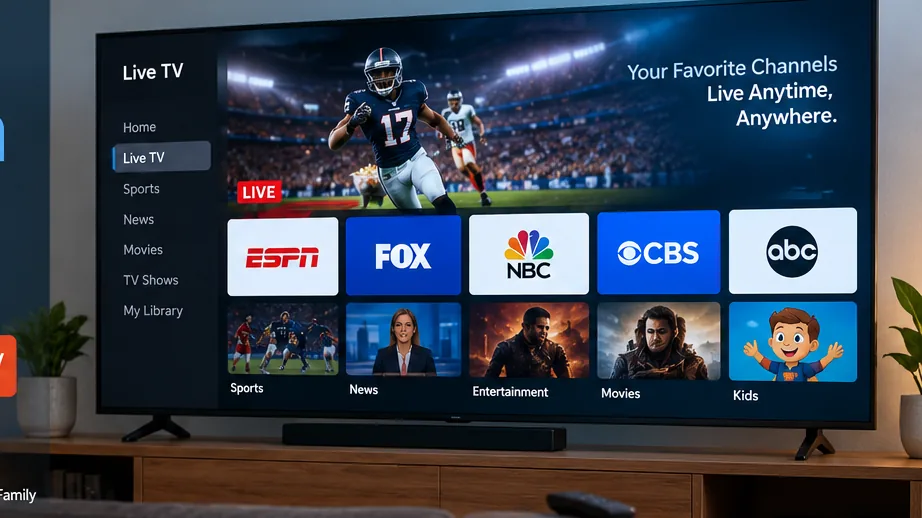
Live TV Subscription Services Guide
- 1. What Are Live TV Subscription Services?
- 2. How Live Television Streaming Works
- 3. Main Types of Services
- 4. Compare Channel Lineups
- 5. Check Sports Coverage
- 6. DVR and Simultaneous Streams
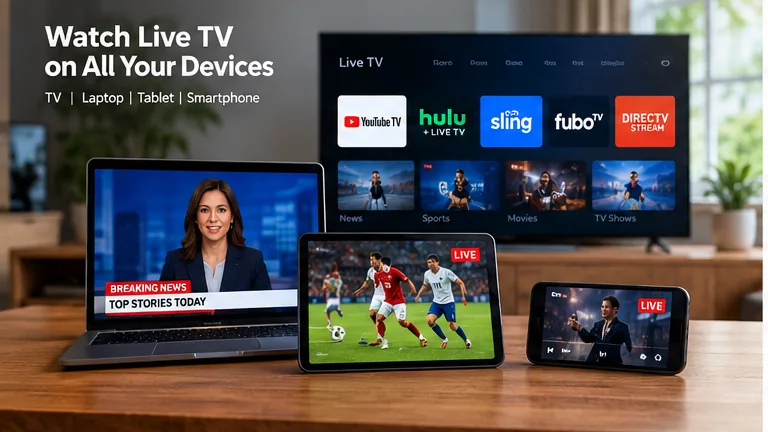
- 7. Device Compatibility
- 8. Calculate the Real Cost
- 9. Choose the Right Service
- 10. Mistakes to Avoid
- 11. Frequently Asked Questions
1. What Are Live TV Subscription Services?
Live TV subscription services deliver scheduled television channels through an internet connection instead of using a traditional cable or satellite connection.
The viewing experience is still familiar. You can open an app, browse a program guide, choose a channel, watch breaking news, follow a live sports event, and often record programs with cloud DVR.
The biggest difference is how the signal reaches your television. Internet-based platforms can usually work across several compatible devices, making them more flexible for households that watch television in different rooms or while traveling.
Live TV and On-Demand Streaming Are Different
Services built mainly around movies and series let you choose content whenever you want. Live television platforms focus more heavily on scheduled channels, sports, news, events, and programming happening in real time.
If you want to compare individual platforms in more detail, see our best live TV streaming services guide.
2. How Live TV Subscription Services Work
The basic process is simple. Your provider delivers television through your broadband connection and an application displays those streams on your compatible device.
This makes your home internet connection an important part of the television experience. Even good live TV subscription services can struggle if the Wi-Fi signal reaching the television is weak or unstable.
What You Usually Need
- A reliable broadband internet connection.
- A compatible television, streaming device, phone, tablet, or computer.
- An active subscription with the provider.
- A supported application or viewing method.
- Enough bandwidth for the number of people watching simultaneously.
The flexibility to move between devices is one of the biggest differences from a traditional set-top-box setup. Depending on the provider, you may be able to start watching in the living room and later continue on a phone, tablet, or another television.
3. Main Types of Live Television Services
Not every platform is designed for the same type of household. Understanding the main categories makes comparison easier.
Full Cable-Replacement Services
Some live TV subscription services are designed to reproduce much of the traditional pay-TV experience. They may combine local stations, national entertainment networks, news, sports channels, and DVR features inside one app.
These services can make sense for viewers who want to leave cable but still prefer a familiar channel guide and scheduled programming.
Smaller Channel Bundles
Other platforms offer narrower channel packages. These can be useful when you already know which networks matter and do not want to pay for a large bundle filled with channels you never open.
IPTV-Based Options
IPTV is another form of internet-delivered television. The player, subscription model, available content, and supported devices can differ from one service to another.
Our IPTV subscription guide explains the main factors worth checking before choosing this type of service.
4. Compare Channel Lineups Carefully
The number of channels advertised by a provider can be misleading if most of them are not relevant to you.
When comparing live TV subscription services, write down the networks your household watches regularly before looking at package sizes.
Build a Must-Have Channel List
- Write down the local stations you watch.
- Add your preferred national news networks.
- Include important entertainment channels.
- Add children’s programming if needed.
- List any sports networks that are essential.
- Separate must-have channels from optional ones.
This gives you a simple checklist when comparing providers and helps prevent you from choosing a package only because its headline channel count looks impressive.
Check Local Availability
Local stations deserve special attention because availability can vary by market. Two customers using the same service in different cities may not receive exactly the same local lineup.
Always enter your ZIP code or location on the provider’s official channel lookup before subscribing.
5. Sports Can Change the Decision
Sports fans often need to compare plans more carefully because broadcast rights are spread across national networks, regional sports channels, local stations, league packages, and premium services.
Some live TV subscription services focus heavily on sports, but that does not automatically mean they carry every team or competition.
- List the leagues you watch most often.
- Check the networks carrying those events.
- Look for regional sports coverage where necessary.
- Check whether major events require an add-on.
- Review regional restrictions and blackouts.
If sports and PPV events are an important part of your viewing, our live sports and PPV streaming guide covers more factors that can affect the experience.
6. Compare DVR and Simultaneous Streams
Once the channel lineup looks right, compare the features you will use every day.
Cloud DVR
Many live TV subscription services include cloud recording so you can save programs without buying a physical DVR box.
Check how much storage is included, whether recordings expire, how playback works, and whether DVR features change between subscription tiers.
Simultaneous Streams
This feature tells you how many people can watch at the same time.
A service may support dozens of device models but still restrict simultaneous playback. That can become frustrating when one person wants sports in the living room, another wants a movie upstairs, and someone else wants news on a tablet.
Think About People, Not Device Count
If your household owns seven screens but rarely has more than three people watching simultaneously, a three-stream plan may be enough. Compare real usage rather than the total number of devices you own.
7. Device Support Matters More Than It Seems
Before paying, confirm that the service supports the hardware already used in your home.
Most major live TV subscription services support several platforms, but a provider that works perfectly on one Smart TV brand may require a separate streaming device on another television.
| Device | What to Check | Why It Matters |
|---|---|---|
| Smart TV | Native application | Can eliminate the need for extra hardware |
| Fire TV | App availability | Useful when the TV lacks a native app |
| Roku | Platform support | Not every provider supports every ecosystem equally |
| Apple TV | tvOS application | Important for Apple-focused homes |
| Phone or Tablet | Mobile playback | Useful away from the main television |
| Computer | Browser support | Useful for desktop and laptop viewing |
Also check whether important features such as DVR, profiles, picture-in-picture, or casting behave differently depending on the device.
8. Calculate the Real Monthly Cost
A low starting price does not necessarily mean the final bill will stay low.
When comparing live TV subscription services, calculate the complete cost after adding the features and channels your household genuinely needs.
Consumer Reports compares mainstream live television streaming options and discusses differences involving channels, sports, local networks, and pricing. Their live TV streaming comparison can be useful as an independent reference.
Include These Costs
- The normal base subscription.
- Sports add-ons.
- Premium movie networks.
- Extra simultaneous streams.
- Enhanced DVR features.
- Any other streaming subscriptions you plan to keep.
This calculation can reveal that a package advertised as inexpensive becomes much less attractive once all required extras are included.

9. How to Choose the Best Live TV Subscription Services
The best live TV subscription services are not necessarily the ones with the most channels. They are the ones that match your actual viewing habits.
| Priority | What to Compare |
|---|---|
| Local Television | Local affiliate availability in your market |
| Sports | National networks, regional coverage, and add-ons |
| Family Viewing | Profiles and simultaneous streams |
| Recording | DVR storage and retention rules |
| Budget | Total price after necessary extras |
| Device Flexibility | TV, mobile, browser, and streaming-device support |
If you are also considering IPTV-based alternatives, our best IPTV service guide explains another approach to internet television.
10. Common Mistakes When Comparing Live TV Subscription Services
Choosing Only by Price
The cheapest option may still be poor value if it is missing several channels you watch every week.
Ignoring Local Stations
Do not assume every national network includes your local affiliate. Check the exact lineup in your market.
Forgetting Sports Networks
A general entertainment package may look complete until you discover that the network carrying your favorite team is missing.
Adding Too Many Extras
One of the easiest ways for live TV subscription services to become expensive is stacking sports, premium networks, additional streams, and other add-ons.
Ignoring Internet Quality
Your streaming service is only as reliable as the connection reaching your device. A weak Wi-Fi signal can create buffering even when your broadband plan is fast.
Never Reviewing the Subscription
Your viewing habits can change. Check your package occasionally and remove features or services that no longer provide value.
Can Live TV Subscription Services Replace Cable?
For many households, live TV subscription services can replace most or all of the traditional cable experience.
They can provide live channels, local programming, sports, news, DVR features, and viewing across several device types without requiring a traditional cable box for every screen.
Cable can still make sense when a household prefers conventional hardware or needs specific local, regional, or bundled services that are difficult to reproduce through streaming.
The best decision comes from comparing the exact channels, features, equipment requirements, internet costs, and total monthly bill rather than choosing based on marketing alone.
Frequently Asked Questions About Live TV Subscription Services
Live TV subscription services deliver scheduled television channels through an internet connection. Depending on the provider, they can include local stations, entertainment networks, sports, news, cloud DVR, and other television features.
Yes, for many households. Streaming services can provide local channels, cable networks, sports, news, and DVR features, but you should compare the exact lineup available in your location before canceling cable.
The best option depends on the channels you need, your location, sports preferences, budget, DVR requirements, supported devices, and the number of people who watch at the same time.
Many services include local broadcast networks, but availability can vary by provider and market. Check the current channel lineup for your location before subscribing.
No. You can often use a compatible streaming stick, box, phone, tablet, computer, or another supported device even if your television does not have the service’s application built in.
Choose a package around the channels you actually watch, avoid unnecessary add-ons, review subscriptions regularly, and compare the complete monthly price instead of focusing only on the advertised starting cost.
Why Viewers Choose SpaceOTT
Flexible viewing across compatible devices makes internet television easier to fit around different rooms and everyday viewing habits.
A straightforward streaming setup is useful for households that want live television without depending entirely on traditional cable hardware.
Device flexibility makes it easier to move between the main television, streaming hardware, and other compatible screens.
Clear setup guidance helps viewers understand the different ways internet-based television can fit into a modern home.
A well-planned subscription and compatible device setup can make everyday television viewing simpler and more flexible.
Final Verdict: Choosing the Right Live TV Service
Choose Around What You Actually Watch
Live TV subscription services can be a practical alternative to traditional cable, but choosing the right one requires more than comparing headline prices.
Start with your essential channels, local stations, sports, DVR needs, supported devices, and the number of people who normally watch at the same time.
Then calculate the complete monthly cost after adding the extras you actually need. This gives you a much more realistic comparison between providers.
The best service is ultimately the one that delivers the channels and features your household uses without forcing you to pay for a large amount of content you rarely watch.