SpaceOTT

Watch Sports Live: 7 Best Ways to Stream Every Game

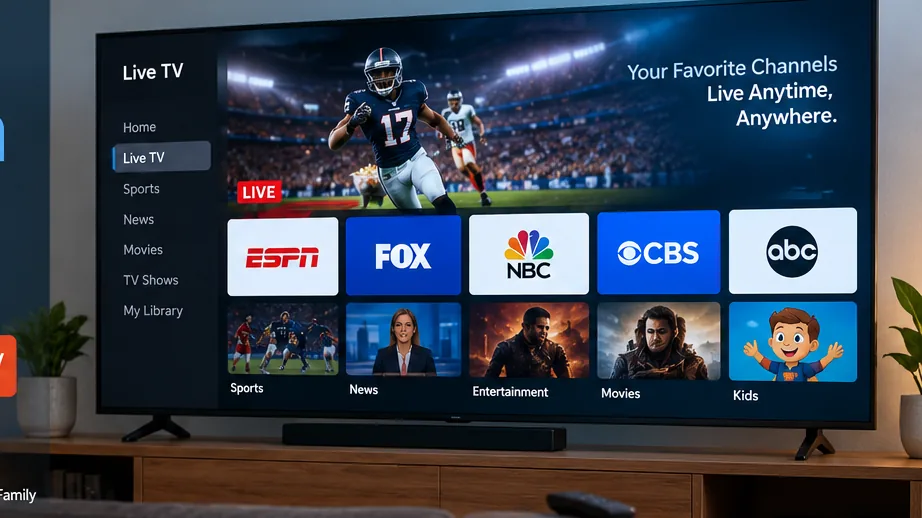
Home setup for watching sports live on a large television

If you want to watch sports live without being tied to a traditional cable box, there are now more ways to follow football, NFL, NBA, UFC, boxing, Formula 1, baseball, tennis, and other major events through an internet connection.

The difficult part is choosing the right platform. Sports broadcasting rights are divided between networks, streaming services, leagues, countries, and regional markets. A service that works perfectly for one fan may be missing an essential competition for another.

This guide explains how to watch sports live online, what to check before subscribing, which devices work best, and how to build a smoother setup for game day.
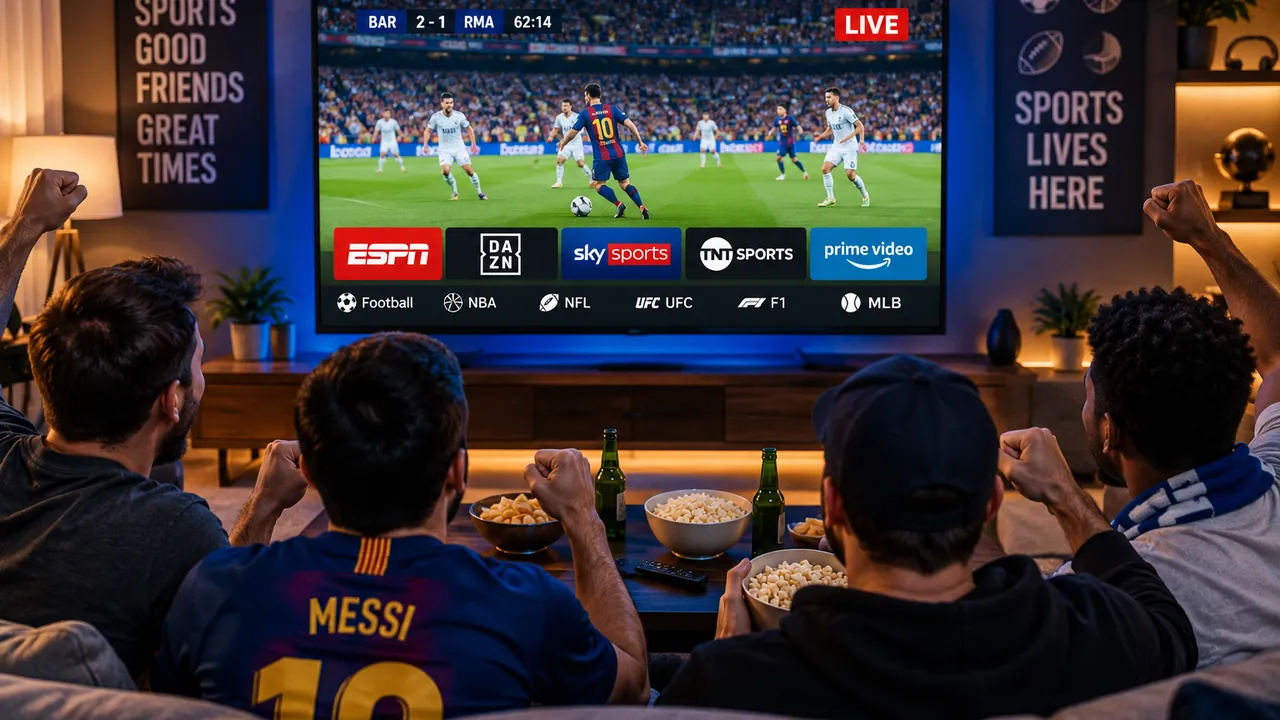
Watch sports live on a modern Smart TV with multiple sports streams
A reliable sports setup starts with the right service, compatible hardware, and a stable internet connection.

1. Choose the Right Way to Watch Sports Live

There is no single streaming service that carries every sport in every region. The best way to watch sports live depends on the competitions you follow, your country, your budget, and the devices you use.

Live TV Streaming Services

Live television platforms are useful for households that want sports alongside news, entertainment, local channels, and other programming. They provide a familiar TV-style experience while delivering channels through the internet.

League Streaming Services

Some leagues offer their own streaming products. These can be useful for fans who mainly follow one sport or competition, especially when they want access to a large number of games throughout a season.

Broadcaster Apps

Sports networks and broadcasters may also provide live viewing through their websites or applications. Access can depend on your region and the type of subscription you already have.

Internet Television and IPTV

IPTV is another method for delivering television through internet protocol. Available channels, playback quality, device support, and service structure can vary considerably between providers.

If you are comparing broader television options, see our best live TV streaming services guide.

Start With Your Must-Watch Events

Before comparing subscriptions, write down the leagues, teams, tournaments, and sports you actually follow. A massive channel list is not useful if the events you care about are missing.

2. Broadcasting Rights Matter When You Watch Sports Live

Broadcasting rights are one of the biggest reasons sports streaming can feel confusing.

If you want to watch sports live, the service you need can change depending on where you live. A football competition may be available through one broadcaster in the United States and a completely different provider in the United Kingdom, Canada, or Australia.

The same principle applies to American football, basketball, baseball, hockey, Formula 1, UFC, boxing, tennis, and many other sports.

What to Check Before Subscribing

  • Identify the exact league or competition you want.
  • Check which broadcaster owns the rights in your region.
  • Confirm whether the event is included in the normal package.
  • Look for separate sports add-ons.
  • Check whether premium events require an extra purchase.
  • Review blackout or regional restrictions when relevant.

Tom’s Guide publishes viewing guides for major sporting events and competitions. Their Champions League streaming guide is one example of how viewing options can differ between regions.

3. How to Watch Sports Live for Football

Football is one of the biggest reasons viewers search for live streaming options. The Premier League, Champions League, La Liga, Serie A, Bundesliga, international tournaments, and domestic cups can all have different broadcast agreements.

To watch sports live efficiently as a football fan, begin with the competitions you follow most closely rather than subscribing to every available sports package.

  • Premier League
  • UEFA Champions League
  • La Liga
  • Serie A
  • Bundesliga
  • Domestic cup competitions
  • International football

Some fans can cover their needs with one subscription. Others may need a combination of services because domestic league rights and European competitions are often separated.

For a deeper look at sports-focused internet television, see our live sports and PPV streaming guide.
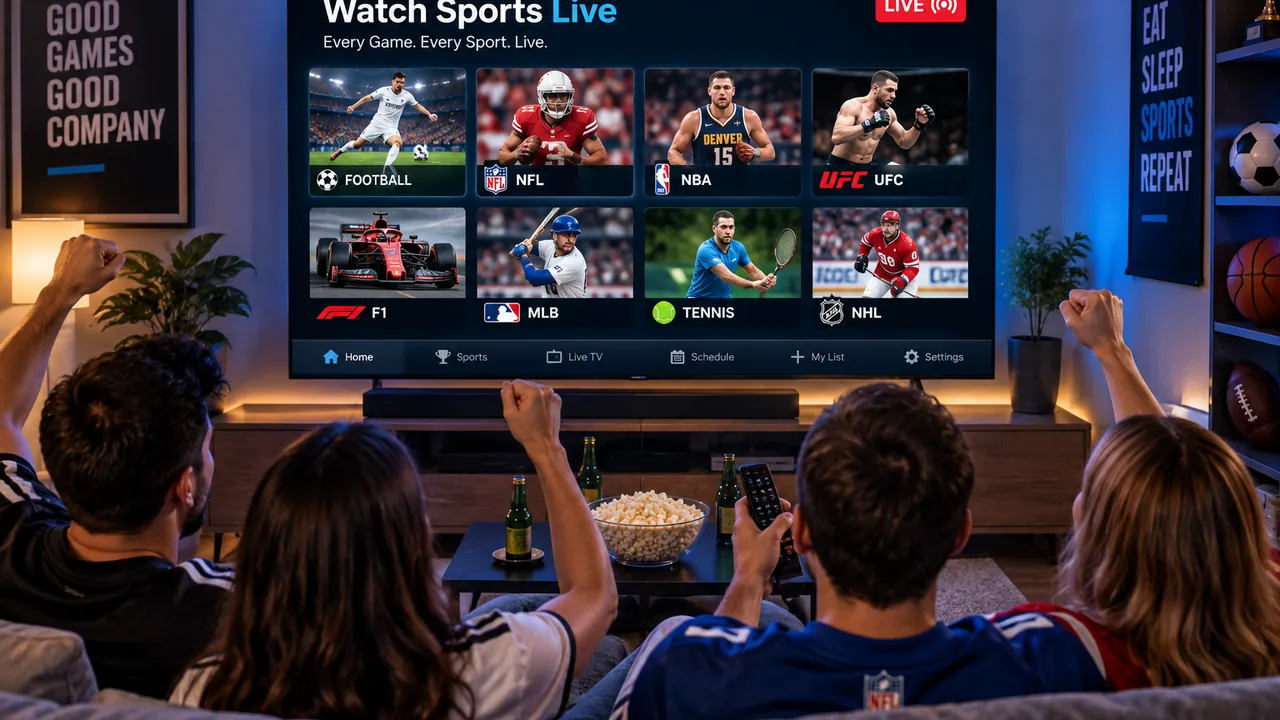
Watch sports live across multiple streaming devices at home
A flexible streaming setup can make it easier to follow live games across compatible screens at home.

4. Watch NFL, NBA and MLB Live

Sports streaming in the United States can be particularly complex because games may be divided between national networks, local broadcasters, league packages, and digital platforms.

NFL

NFL fans should check local broadcasts, national games, prime-time coverage, and any additional packages needed for games outside their local market.

NBA

Basketball viewers may need a combination of national broadcasts, regional coverage, and league-based streaming depending on the team and location.

MLB

Baseball viewers should pay special attention to local market rules and out-of-market coverage when choosing a service.

If your goal is to watch sports live across several US leagues, compare the actual games included rather than choosing a platform only because it advertises sports channels.

5. Watch UFC, Boxing and PPV Events

Combat sports use a slightly different model from traditional league sports.

Some events are included in a normal sports subscription, while major fights can be sold separately as pay-per-view events. That means having access to a broadcaster does not always mean every premium event is automatically included.

Check the Exact Event

Before fight night, confirm whether the event is included with your existing plan or whether it requires a separate PPV purchase.

Fans who regularly watch sports live should verify this early rather than discovering an additional payment requirement minutes before the main event.

6. Best Devices to Watch Sports Live

The device you use can make a noticeable difference to convenience, app support, responsiveness, and picture quality.

DeviceBest ForWhat to Check
Smart TVMain living roomNative sports app availability
Fire TVFlexible streaming setupApp support and network strength
RokuSimple television streamingProvider compatibility
Apple TVApple ecosystem usersSupported streaming apps
Phone or TabletPortable viewingMobile app support
ComputerBrowser viewingBrowser compatibility and video quality

For viewers using Amazon streaming hardware, our best IPTV for Firestick guide covers additional setup considerations.

7. Improve Quality When You Watch Sports Live

Live sports can reveal network problems faster than many movies or series. Fast movement, real-time delivery, and high-resolution streams depend on a stable connection.

If you frequently watch sports live, consistency matters more than simply having a large advertised broadband speed.

Improve Your Game-Day Setup

  • Use Ethernet when it is practical.
  • Keep the streaming device close to the Wi-Fi router.
  • Avoid large downloads during important matches.
  • Keep streaming apps updated.
  • Restart an unstable router before the event.
  • Close unnecessary applications running in the background.
  • Test your stream before kickoff.
  • Use capable hardware for high-resolution playback.

Buffering can come from the home network, the streaming device, the application, internet congestion, or the source itself. If interruptions continue, our IPTV buffering fix guide explains several common causes and solutions.
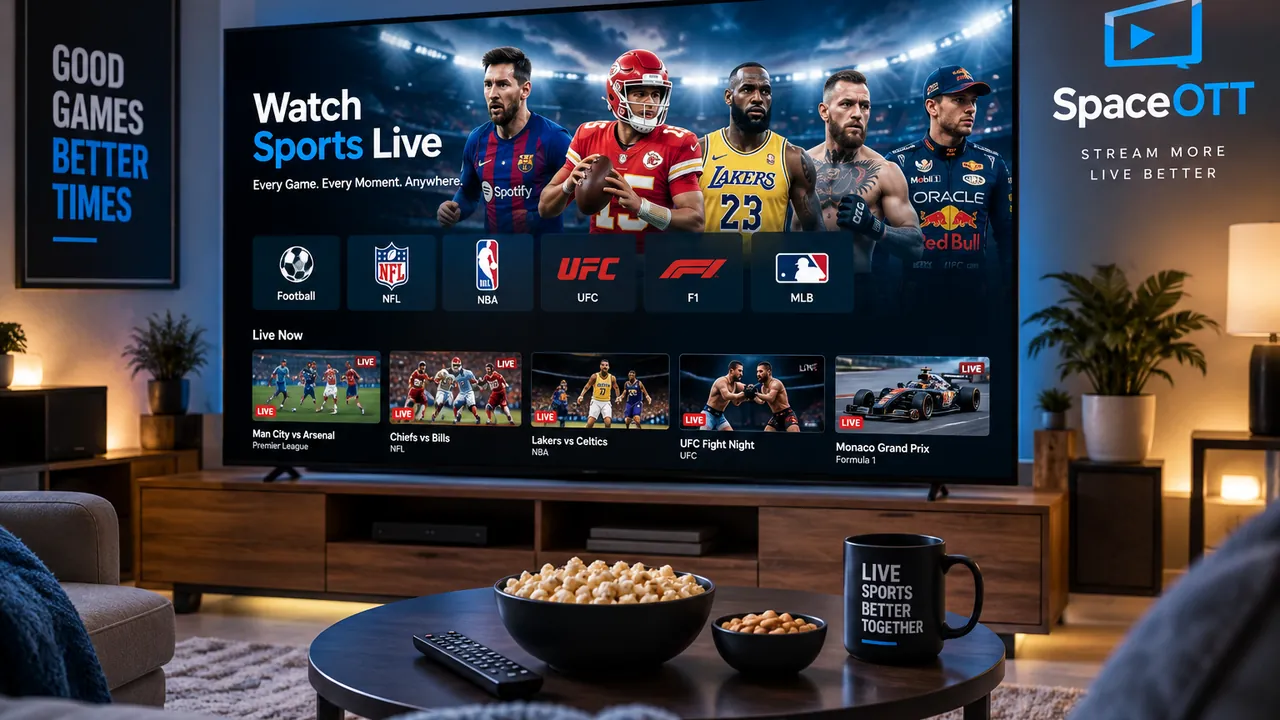
Home setup for watching sports live on a large television
A strong home setup combines reliable internet, capable hardware, and a service that carries the events you want.

8. Compare the Main Sports Streaming Options

There is no universal answer for everyone who wants to watch sports live. Different streaming models are better for different viewing habits.

Streaming OptionGood ForMain Consideration
Live TV ServiceSports plus regular televisionLarge packages can become expensive
League ServiceFans focused on one competitionLocal games may have restrictions
Broadcaster AppEvents from one networkMay require an existing subscription
IPTVFlexible internet television setupCompatibility and quality vary by provider

The most efficient setup is usually the one that gives you access to the sports you actually follow while minimizing unnecessary overlapping subscriptions.

9. Common Mistakes When You Watch Sports Live

Testing the App at Kickoff

Do not wait until the game starts to discover that your application needs an update or your password has expired. Test everything beforehand.

Assuming Every Game Is Included

A sports channel can be available while a particular game is restricted because of regional rights, blackout rules, or PPV requirements.

Ignoring Your Location

Streaming rights can change from one country to another. Always check what is officially available where you live.

Using Weak Wi-Fi

Your phone may show excellent speed beside the router while the television in another room receives a weaker signal. Test the connection where you actually watch.

Paying for Overlapping Subscriptions

People who watch sports live often end up paying for several services that carry many of the same channels. Review your subscriptions occasionally and remove unnecessary overlap.

Ignoring Hardware Performance

An older television or streaming device can struggle with demanding video even when the internet connection itself is fast.

What Is the Best Way to Watch Sports Live?

The best way to watch sports live is to build your streaming setup around the competitions you genuinely care about.

A fan who watches only one league may be better served by a specialized streaming product. A household that follows football, basketball, news, movies, and general television may prefer a broader live TV package.

Start by identifying your essential sports. Then check the broadcasters in your region, compare the full subscription price, confirm that your devices are supported, and test your internet connection before an important event.

This approach is more useful than choosing a service simply because it advertises a large number of channels.

Frequently Asked Questions About Watching Sports Live

How can I watch sports live online?

You can watch sports live through licensed live TV streaming services, broadcaster apps, league streaming products, and compatible internet television services. Availability depends on the sport and your location.

What is the best streaming service for live sports?

The best service depends on the leagues and events you watch, your location, budget, device compatibility, and whether you need local or regional sports networks.

Can I watch live sports without cable?

Yes. Many live television services, broadcaster apps, and league streaming platforms let viewers watch sports without a traditional cable subscription, although channel availability varies.

Why does my live sports stream buffer?

Buffering can be caused by weak Wi-Fi, network congestion, internet instability, device performance, the streaming app, or problems with the video source.

Can I watch football live on a Smart TV?

Yes. A compatible Smart TV can run supported sports streaming apps directly, or you can connect a streaming device if the television does not offer the app you need.

Do I need fast internet for live sports?

You need a stable connection suitable for the video quality you are watching. Consistency, Wi-Fi strength, and network congestion can matter as much as the headline speed of your internet plan.

Why Viewers Choose SpaceOTT

🇺🇸 Jason M. | USA ★★★★★

Flexible viewing across compatible devices makes it easier to follow live games in different rooms around the home.

🇨🇦 Nathan R. | Canada ★★★★★

Clear setup guidance helps sports viewers understand which device and network options best fit their everyday viewing habits.

🇬🇧 Oliver H. | United Kingdom ★★★★★

Device flexibility makes it easier to move between the main television and other compatible screens when following live matches.

🇦🇺 Liam T. | Australia ★★★★★

A well-planned streaming setup is useful for households that follow several different sports throughout the season.

🇩🇪 Noah K. | Germany ★★★★★

Simple device and connection guidance makes it easier to prepare a stable setup before important games and events.

Final Verdict: Watch Sports Live Without the Confusion

Build Your Setup Around the Sports You Love

The easiest way to watch sports live is to start with the teams, leagues, and competitions you actually follow rather than choosing a service based on advertising alone.

Check broadcast rights in your region, compare which events are included, confirm device compatibility, and calculate the complete monthly cost after any sports packages or PPV purchases.

Your home network matters too. Reliable Wi-Fi or Ethernet and capable streaming hardware can make a noticeable difference during fast-moving live events.

Once the service, device, and internet connection all match your viewing habits, it becomes much easier to watch sports live with a smooth and convenient setup.
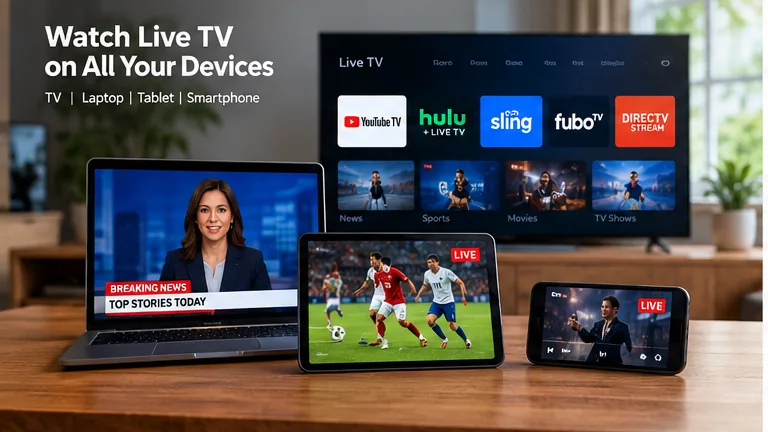
Live TV Subscription Services: 7 Best Streaming Options

Live TV streaming services across TV, laptop, tablet, and smartphone

Live TV subscription services have changed the way people watch news, sports, entertainment, and local television. Instead of relying only on a cable box or satellite connection, viewers can now stream live channels through the internet on Smart TVs, phones, tablets, laptops, and streaming devices.

The challenge is no longer finding a streaming provider. It is choosing one that actually matches your household. Different live TV subscription services can vary considerably in channel lineups, local stations, sports coverage, DVR features, simultaneous streams, supported devices, and monthly cost.

This guide explains how these services work, what features deserve the most attention, and how to compare your options without paying for channels or extras you rarely use.

Live TV subscription services comparison on a modern Smart TV
Compare channel availability, devices, sports coverage, DVR features, and household needs before choosing a streaming plan.

1. What Are Live TV Subscription Services?

Live TV subscription services deliver scheduled television channels through an internet connection instead of using a traditional cable or satellite connection.

The viewing experience is still familiar. You can open an app, browse a program guide, choose a channel, watch breaking news, follow a live sports event, and often record programs with cloud DVR.

The biggest difference is how the signal reaches your television. Internet-based platforms can usually work across several compatible devices, making them more flexible for households that watch television in different rooms or while traveling.

Live TV and On-Demand Streaming Are Different

Services built mainly around movies and series let you choose content whenever you want. Live television platforms focus more heavily on scheduled channels, sports, news, events, and programming happening in real time.

If you want to compare individual platforms in more detail, see our best live TV streaming services guide.

2. How Live TV Subscription Services Work

The basic process is simple. Your provider delivers television through your broadband connection and an application displays those streams on your compatible device.

This makes your home internet connection an important part of the television experience. Even good live TV subscription services can struggle if the Wi-Fi signal reaching the television is weak or unstable.

What You Usually Need

  • A reliable broadband internet connection.
  • A compatible television, streaming device, phone, tablet, or computer.
  • An active subscription with the provider.
  • A supported application or viewing method.
  • Enough bandwidth for the number of people watching simultaneously.

The flexibility to move between devices is one of the biggest differences from a traditional set-top-box setup. Depending on the provider, you may be able to start watching in the living room and later continue on a phone, tablet, or another television.

3. Main Types of Live Television Services

Not every platform is designed for the same type of household. Understanding the main categories makes comparison easier.

Full Cable-Replacement Services

Some live TV subscription services are designed to reproduce much of the traditional pay-TV experience. They may combine local stations, national entertainment networks, news, sports channels, and DVR features inside one app.

These services can make sense for viewers who want to leave cable but still prefer a familiar channel guide and scheduled programming.

Smaller Channel Bundles

Other platforms offer narrower channel packages. These can be useful when you already know which networks matter and do not want to pay for a large bundle filled with channels you never open.

IPTV-Based Options

IPTV is another form of internet-delivered television. The player, subscription model, available content, and supported devices can differ from one service to another.

Our IPTV subscription guide explains the main factors worth checking before choosing this type of service.

Live TV streaming services across TV, laptop, tablet, and smartphone
Internet television can extend beyond the main TV to laptops, tablets, phones, and other compatible screens.

4. Compare Channel Lineups Carefully

The number of channels advertised by a provider can be misleading if most of them are not relevant to you.

When comparing live TV subscription services, write down the networks your household watches regularly before looking at package sizes.

Build a Must-Have Channel List

  • Write down the local stations you watch.
  • Add your preferred national news networks.
  • Include important entertainment channels.
  • Add children’s programming if needed.
  • List any sports networks that are essential.
  • Separate must-have channels from optional ones.

This gives you a simple checklist when comparing providers and helps prevent you from choosing a package only because its headline channel count looks impressive.

Check Local Availability

Local stations deserve special attention because availability can vary by market. Two customers using the same service in different cities may not receive exactly the same local lineup.

Always enter your ZIP code or location on the provider’s official channel lookup before subscribing.

5. Sports Can Change the Decision

Sports fans often need to compare plans more carefully because broadcast rights are spread across national networks, regional sports channels, local stations, league packages, and premium services.

Some live TV subscription services focus heavily on sports, but that does not automatically mean they carry every team or competition.

  • List the leagues you watch most often.
  • Check the networks carrying those events.
  • Look for regional sports coverage where necessary.
  • Check whether major events require an add-on.
  • Review regional restrictions and blackouts.

If sports and PPV events are an important part of your viewing, our live sports and PPV streaming guide covers more factors that can affect the experience.

6. Compare DVR and Simultaneous Streams

Once the channel lineup looks right, compare the features you will use every day.

Cloud DVR

Many live TV subscription services include cloud recording so you can save programs without buying a physical DVR box.

Check how much storage is included, whether recordings expire, how playback works, and whether DVR features change between subscription tiers.

Simultaneous Streams

This feature tells you how many people can watch at the same time.

A service may support dozens of device models but still restrict simultaneous playback. That can become frustrating when one person wants sports in the living room, another wants a movie upstairs, and someone else wants news on a tablet.

Think About People, Not Device Count

If your household owns seven screens but rarely has more than three people watching simultaneously, a three-stream plan may be enough. Compare real usage rather than the total number of devices you own.

7. Device Support Matters More Than It Seems

Before paying, confirm that the service supports the hardware already used in your home.

Most major live TV subscription services support several platforms, but a provider that works perfectly on one Smart TV brand may require a separate streaming device on another television.

DeviceWhat to CheckWhy It Matters
Smart TVNative applicationCan eliminate the need for extra hardware
Fire TVApp availabilityUseful when the TV lacks a native app
RokuPlatform supportNot every provider supports every ecosystem equally
Apple TVtvOS applicationImportant for Apple-focused homes
Phone or TabletMobile playbackUseful away from the main television
ComputerBrowser supportUseful for desktop and laptop viewing

Also check whether important features such as DVR, profiles, picture-in-picture, or casting behave differently depending on the device.

8. Calculate the Real Monthly Cost

A low starting price does not necessarily mean the final bill will stay low.

When comparing live TV subscription services, calculate the complete cost after adding the features and channels your household genuinely needs.

Consumer Reports compares mainstream live television streaming options and discusses differences involving channels, sports, local networks, and pricing. Their live TV streaming comparison can be useful as an independent reference.

Include These Costs

  • The normal base subscription.
  • Sports add-ons.
  • Premium movie networks.
  • Extra simultaneous streams.
  • Enhanced DVR features.
  • Any other streaming subscriptions you plan to keep.

This calculation can reveal that a package advertised as inexpensive becomes much less attractive once all required extras are included.

Family watching a live TV subscription service in a modern living room
The right subscription should work for the whole household without forcing you to pay for unnecessary features.

9. How to Choose the Best Live TV Subscription Services

The best live TV subscription services are not necessarily the ones with the most channels. They are the ones that match your actual viewing habits.

PriorityWhat to Compare
Local TelevisionLocal affiliate availability in your market
SportsNational networks, regional coverage, and add-ons
Family ViewingProfiles and simultaneous streams
RecordingDVR storage and retention rules
BudgetTotal price after necessary extras
Device FlexibilityTV, mobile, browser, and streaming-device support

If you are also considering IPTV-based alternatives, our best IPTV service guide explains another approach to internet television.

10. Common Mistakes When Comparing Live TV Subscription Services

Choosing Only by Price

The cheapest option may still be poor value if it is missing several channels you watch every week.

Ignoring Local Stations

Do not assume every national network includes your local affiliate. Check the exact lineup in your market.

Forgetting Sports Networks

A general entertainment package may look complete until you discover that the network carrying your favorite team is missing.

Adding Too Many Extras

One of the easiest ways for live TV subscription services to become expensive is stacking sports, premium networks, additional streams, and other add-ons.

Ignoring Internet Quality

Your streaming service is only as reliable as the connection reaching your device. A weak Wi-Fi signal can create buffering even when your broadband plan is fast.

Never Reviewing the Subscription

Your viewing habits can change. Check your package occasionally and remove features or services that no longer provide value.

Can Live TV Subscription Services Replace Cable?

For many households, live TV subscription services can replace most or all of the traditional cable experience.

They can provide live channels, local programming, sports, news, DVR features, and viewing across several device types without requiring a traditional cable box for every screen.

Cable can still make sense when a household prefers conventional hardware or needs specific local, regional, or bundled services that are difficult to reproduce through streaming.

The best decision comes from comparing the exact channels, features, equipment requirements, internet costs, and total monthly bill rather than choosing based on marketing alone.

Frequently Asked Questions About Live TV Subscription Services

What are live TV subscription services?

Live TV subscription services deliver scheduled television channels through an internet connection. Depending on the provider, they can include local stations, entertainment networks, sports, news, cloud DVR, and other television features.

Can live TV streaming replace cable?

Yes, for many households. Streaming services can provide local channels, cable networks, sports, news, and DVR features, but you should compare the exact lineup available in your location before canceling cable.

Which live TV subscription service is best?

The best option depends on the channels you need, your location, sports preferences, budget, DVR requirements, supported devices, and the number of people who watch at the same time.

Do live TV services include local channels?

Many services include local broadcast networks, but availability can vary by provider and market. Check the current channel lineup for your location before subscribing.

Do I need a Smart TV?

No. You can often use a compatible streaming stick, box, phone, tablet, computer, or another supported device even if your television does not have the service’s application built in.

How can I save money on live TV?

Choose a package around the channels you actually watch, avoid unnecessary add-ons, review subscriptions regularly, and compare the complete monthly price instead of focusing only on the advertised starting cost.

Why Viewers Choose SpaceOTT

🇺🇸 Ethan M. | USA ★★★★★

Flexible viewing across compatible devices makes internet television easier to fit around different rooms and everyday viewing habits.

🇨🇦 Ryan C. | Canada ★★★★★

A straightforward streaming setup is useful for households that want live television without depending entirely on traditional cable hardware.

🇬🇧 James T. | United Kingdom ★★★★★

Device flexibility makes it easier to move between the main television, streaming hardware, and other compatible screens.

🇪🇸 Daniel G. | Spain ★★★★★

Clear setup guidance helps viewers understand the different ways internet-based television can fit into a modern home.

🇦🇺 Liam W. | Australia ★★★★★

A well-planned subscription and compatible device setup can make everyday television viewing simpler and more flexible.

Final Verdict: Choosing the Right Live TV Service

Choose Around What You Actually Watch

Live TV subscription services can be a practical alternative to traditional cable, but choosing the right one requires more than comparing headline prices.

Start with your essential channels, local stations, sports, DVR needs, supported devices, and the number of people who normally watch at the same time.

Then calculate the complete monthly cost after adding the extras you actually need. This gives you a much more realistic comparison between providers.

The best service is ultimately the one that delivers the channels and features your household uses without forcing you to pay for a large amount of content you rarely watch.

IBO Player: 7 Powerful Steps for an Easy IPTV Setup

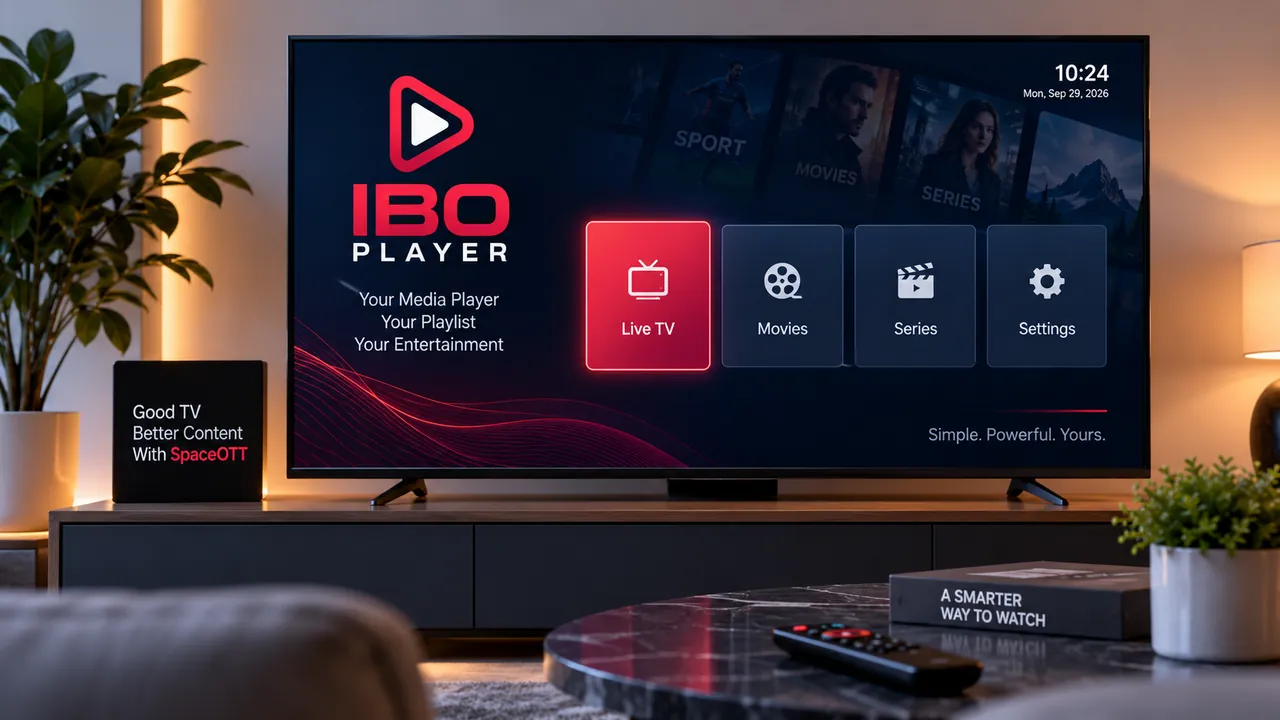
IBO IPTV Player streaming smoothly on a living room television

IBO Player can feel confusing the first time you open it. Instead of finding channels immediately, you may see device information and a mostly empty interface.

That is normal. The application is a media player, not a television subscription. It provides the interface used to organize and play compatible content, while the playlist or account details must come from a source you are authorized to use.

Once that difference is clear, setup becomes much easier. This guide walks through installation, playlist configuration, common problems, network optimization, and the main things to check before using the player regularly on your television.

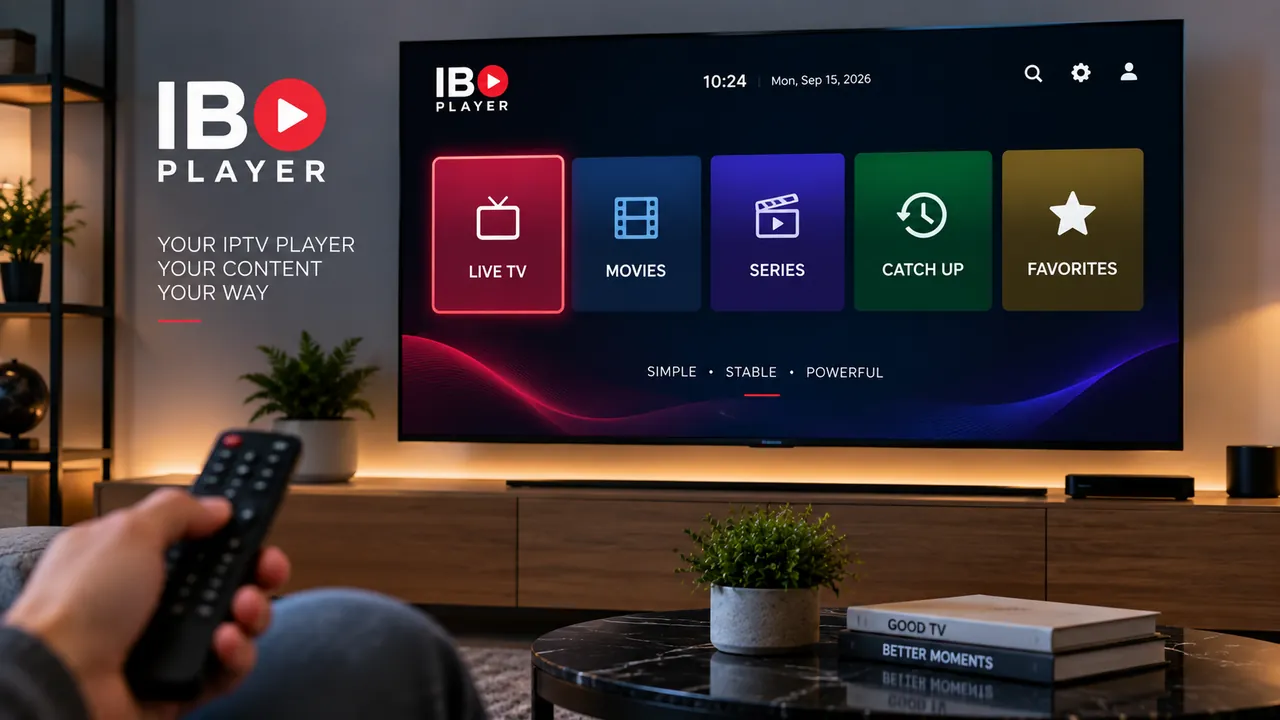
IBO Player IPTV setup on a modern Smart TV
The media player provides the viewing interface while your compatible playlist supplies the content.

1. What Is IBO Player?

IBO Player is an IPTV media player designed to load and display compatible playlists supplied by the user. It should not be confused with the company or service that provides your television content.

The application itself does not automatically include live channels, sports packages, movies, or series. Installing it gives you the software used to browse and play media from a compatible source.

This is why a fresh installation can appear empty. The app needs valid playlist information before it has anything to display.

Player and IPTV Service Are Different

Think of the application as the interface on your television. Your compatible account or playlist supplies the actual content. The player simply organizes that information into a TV-friendly experience.

If you are still learning how each part of an IPTV setup works, our IPTV subscription guide explains the relationship between the subscription, playlist, player, and streaming device.

2. Install the Player on Your Device

The installation process depends on the television or streaming device you own.

On a compatible Smart TV, start with the built-in application store. Search for the correct player and carefully review the app information before installing it.

This matters because several IPTV applications use similar names. Avoid downloading random packages from unfamiliar websites when a suitable version is already available through your device’s official store.

Installing on a Smart TV

  • Connect your television to the internet.
  • Open the built-in application store.
  • Search for the player.
  • Check that the app supports your television model.
  • Install the application.
  • Launch it when installation is complete.

If you have never installed IPTV software on a television before, our Smart TV IPTV setup guide covers the basic process and the most important device considerations.

3. Find the Device ID and Device Key

When the app opens for the first time, it may display information such as a Device ID, MAC address, Device Key, or another identifier associated with your installation.

These details help connect the television installation to its playlist configuration.

  • Open the application on your television.
  • Stay on the initial setup screen.
  • Locate the Device ID or MAC address.
  • Locate the Device Key.
  • Keep those details available during playlist setup.

Check every character carefully. A small mistake in an identifier can connect you to the wrong configuration or prevent the playlist from loading.

Keep Your Device Information Private

Treat device identifiers, playlist addresses, usernames, passwords, and access details as private information. Avoid posting screenshots containing them publicly.

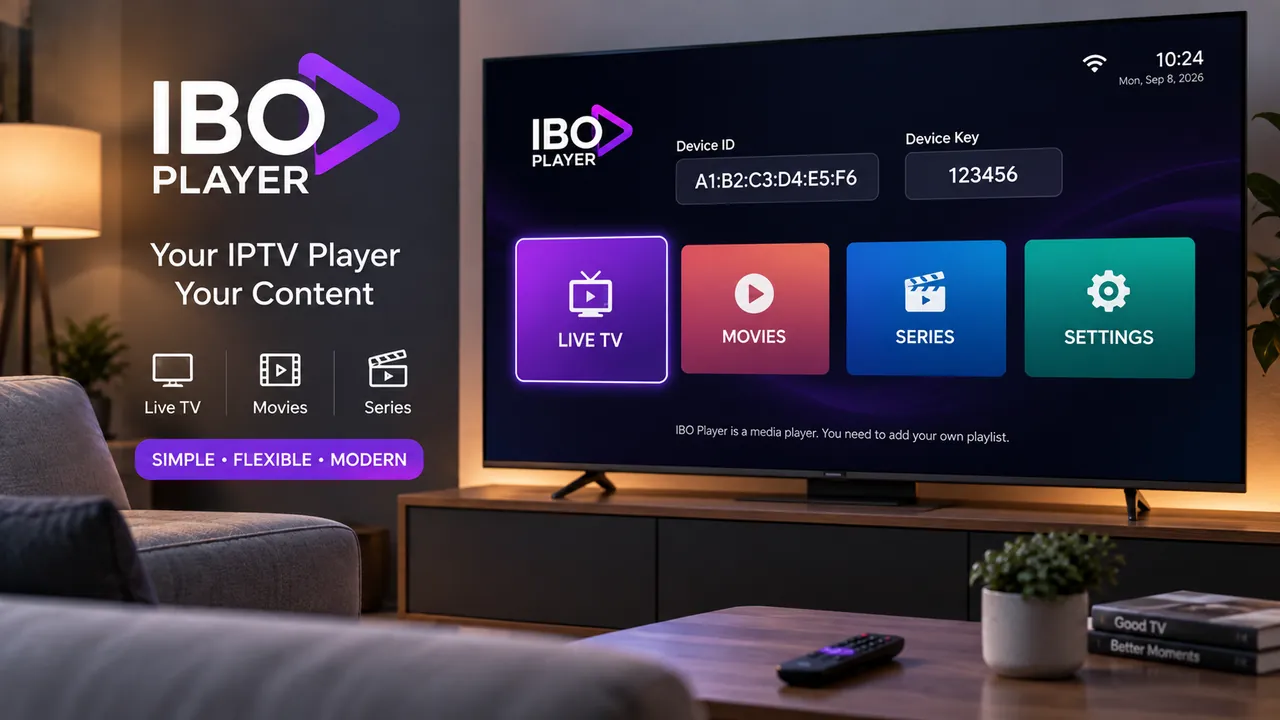
IBO Player device ID and playlist setup on Smart TV
Device identification information connects the television installation with its playlist configuration.

4. Add Your IPTV Playlist

After locating the device information, the next step is connecting a compatible playlist.

Depending on the player version and the source you use, the setup may involve an M3U address or other login information supplied by your provider.

Enter those details carefully. Playlist addresses are often long, and a single incorrect character can stop the list from loading.

Typical Playlist Setup

  • Open the playlist management page used by your installation.
  • Enter the device information shown on the TV.
  • Open the playlist management area.
  • Create or add a new playlist.
  • Give the list a recognizable name.
  • Enter the compatible information supplied by your provider.
  • Check the details before saving.
  • Save the configuration.

An IPTV player and an IPTV subscription are separate parts of the setup. For a broader explanation of that difference, see the FireStickTricks IPTV player guide.

5. Refresh the Application After Saving

Once the playlist has been saved, return to your television and refresh the app.

If the player was already open while you changed the configuration, close it completely and launch it again. This gives the application a chance to request the latest playlist information.

Reinstalling should not be your first move when new content fails to appear. In many cases, the problem is simply an incorrect credential, an unsaved configuration, or an app that has not refreshed yet.

If Your Playlist Still Does Not Appear

  • Confirm the playlist was saved successfully.
  • Check the Device ID again.
  • Check the Device Key carefully.
  • Verify the playlist URL or account information.
  • Confirm that your television still has internet access.
  • Close the app completely and reopen it.

If most channels load but one individual stream fails, the application may not be responsible. Test several different sources before changing your settings.

6. Organize Your Viewing Experience

After everything loads correctly, spend a few minutes learning the interface before deciding whether the player suits your needs.

A useful IPTV setup should make everyday viewing easy. Fast access to the categories you actually watch is often more valuable than dozens of advanced options that never get used.

  • Explore the live television categories.
  • Check movie and series sections when available.
  • Add frequently watched items to favorites if supported.
  • See whether program information appears correctly.
  • Learn the remote buttons you use most often.
  • Keep unnecessary categories out of the way when possible.

A few minutes of organization can make the interface much more comfortable when you are using a standard TV remote from across the room.

7. Improve Streaming Quality

If the application opens normally but playback freezes or buffers, do not immediately assume that the media player is broken.

A streaming setup depends on several components. Internet speed, Wi-Fi coverage, router placement, television hardware, the content source, and network congestion can all influence playback.

Start With the Simple Checks

  • Restart the television or streaming device.
  • Restart your router if the connection feels unstable.
  • Test several channels instead of judging performance from one stream.
  • Pause large downloads on other devices.
  • Move the router closer when Wi-Fi coverage is weak.
  • Use Ethernet when your equipment supports it and Wi-Fi is unreliable.
  • Compare the same source in another compatible player.

If buffering happens across different applications or devices, our IPTV buffering troubleshooting guide explains the most common network and playback causes in more detail.

Why Wi-Fi Quality Matters

A fast internet package does not necessarily mean the television receives a strong connection.

Walls, distance, neighboring wireless networks, furniture, and router placement can all reduce signal quality. Higher-resolution video streams are especially sensitive to an inconsistent connection.

If possible, compare performance near the router or test another device in the same room. That simple check can tell you whether the issue is related to Wi-Fi coverage rather than the streaming application.

IPTV media player streaming smoothly on a living room television
A stable network, capable television, and properly configured playlist all contribute to smoother playback.

8. IBO Player vs Other IPTV Players

There are several popular IPTV players, and the best option depends mainly on your hardware and preferred setup style.

PlayerSetup StyleGood Fit For
IBO PlayerDevice-based playlist configurationSmart TV users who prefer managing playlist information separately
IPTV Smarters ProLogin inside the applicationUsers who prefer entering account information directly on the device
TiviMateTV-focused playlist interfaceAndroid-based television and streaming-device users

If you want to compare another widely used option, see our IPTV Smarters Pro setup guide.

Remember that changing players does not automatically improve the underlying stream. A media player primarily controls how you browse, organize, and play the content supplied to it.

9. Common Problems and Practical Fixes

The App Opens but Shows No Channels

An empty interface usually means the playlist has not been connected successfully or the application has not refreshed the latest configuration.

Check your device information and playlist details before reinstalling anything.

The Playlist Was Added but Nothing Changed

Close the app completely and reopen it. Then confirm that the configuration was saved using the same device details displayed on your television.

The Playlist Does Not Load

Long URLs are easy to mistype. Copy the information directly from your source whenever possible and make sure no unwanted spaces were added.

Only Some Channels Work

If most of the list plays normally but one stream fails, test other channels. A problem affecting one stream does not automatically indicate a player problem.

Playback Keeps Buffering

Check your Wi-Fi and internet connection, then compare the same content on another compatible device. This helps separate network problems from app-specific issues.

The Program Guide Is Empty

Electronic program information depends on data supplied with the playlist. A player cannot create schedule information that is missing from the source.

Do Not Reinstall Too Quickly

Many setup problems come from playlist details, device information, or connectivity. Check those areas first before deleting the application.

10. Protect Your Account and Playlist Details

Streaming players may require device identifiers and playlist credentials, so protecting that information matters.

Do not enter private account details into random websites simply because they use a familiar product name or copy the visual style of a popular application.

  • Use trusted application stores whenever possible.
  • Keep playlist usernames and passwords private.
  • Do not post your Device Key publicly.
  • Avoid unfamiliar pages offering suspicious free activations.
  • Keep your television and streaming hardware updated.
  • Use only content you have permission to access.

Is This IPTV Player Worth Using?

For compatible Smart TVs, this type of player can be convenient if you prefer managing playlist information separately from the television itself.

That workflow means you do not have to type a long playlist address with a remote control every time you configure the app. Once the source is saved correctly, most everyday navigation happens directly from the TV.

It will not be the ideal option for every user. Some people prefer entering all credentials directly inside an app, while others prefer managing the setup from a browser and keeping the television focused mainly on viewing.

The best choice is the one that runs reliably on your hardware and feels easy to use in everyday situations.

Frequently Asked Questions About IBO Player

What is IBO Player?

IBO Player is a media player that can display compatible streaming playlists supplied by the user. The application itself does not include television channels or an IPTV subscription.

Does the player include IPTV channels?

No. The application does not automatically include channels or playlists. You need to add compatible content from a provider or source you are authorized to use.

How do I add a playlist?

Open the application and note the device information shown on the setup screen. Use the appropriate playlist management system, add your compatible playlist, save the configuration, and then restart the player.

Why is my playlist not loading?

Check that the playlist information is correct, the device details match your installation, your internet connection is working, and the content source is currently available.

Is IBO Player an IPTV provider?

No. IBO Player is a playback application. It does not automatically provide television channels, packages, or playlists.

Why does the player keep buffering?

Buffering can be related to your internet connection, Wi-Fi signal, streaming device, network congestion, content source, or playback configuration. Test several streams and another device before changing settings.

Why Viewers Choose SpaceOTT

🇺🇸 Michael R. | USA ★★★★★

A straightforward setup experience makes it easier to move between Smart TVs, streaming players, and other compatible devices at home.

🇨🇦 Daniel M. | Canada ★★★★★

Clear device guidance makes the relationship between the player, playlist, and television much easier to understand.

🇫🇷 Lucas M. | France ★★★★★

Flexible device options are useful for households that watch across Smart TVs, phones, tablets, and streaming hardware.

🇮🇹 Matteo B. | Italy ★★★★★

A simple setup process makes everyday viewing easier once the right application and device are configured correctly.

🇮🇪 Jack O. | Ireland ★★★★★

Helpful setup information makes it easier to choose a player and troubleshoot common device or connection problems.

Final Verdict: IBO Player

A Simple Player Once the Setup Makes Sense

IBO Player becomes much easier to understand once you separate the playback application from the IPTV service.

The app provides the interface, while your compatible playlist supplies the content. Once the device and source details are configured correctly, the television becomes the main place for browsing and playback.

If something goes wrong, check the playlist information, device credentials, network connection, and source availability before reinstalling the software.

For compatible Smart TVs, the player can be a practical option when its playlist-management workflow matches the way you prefer to configure and watch IPTV.

error: Content is protected !!