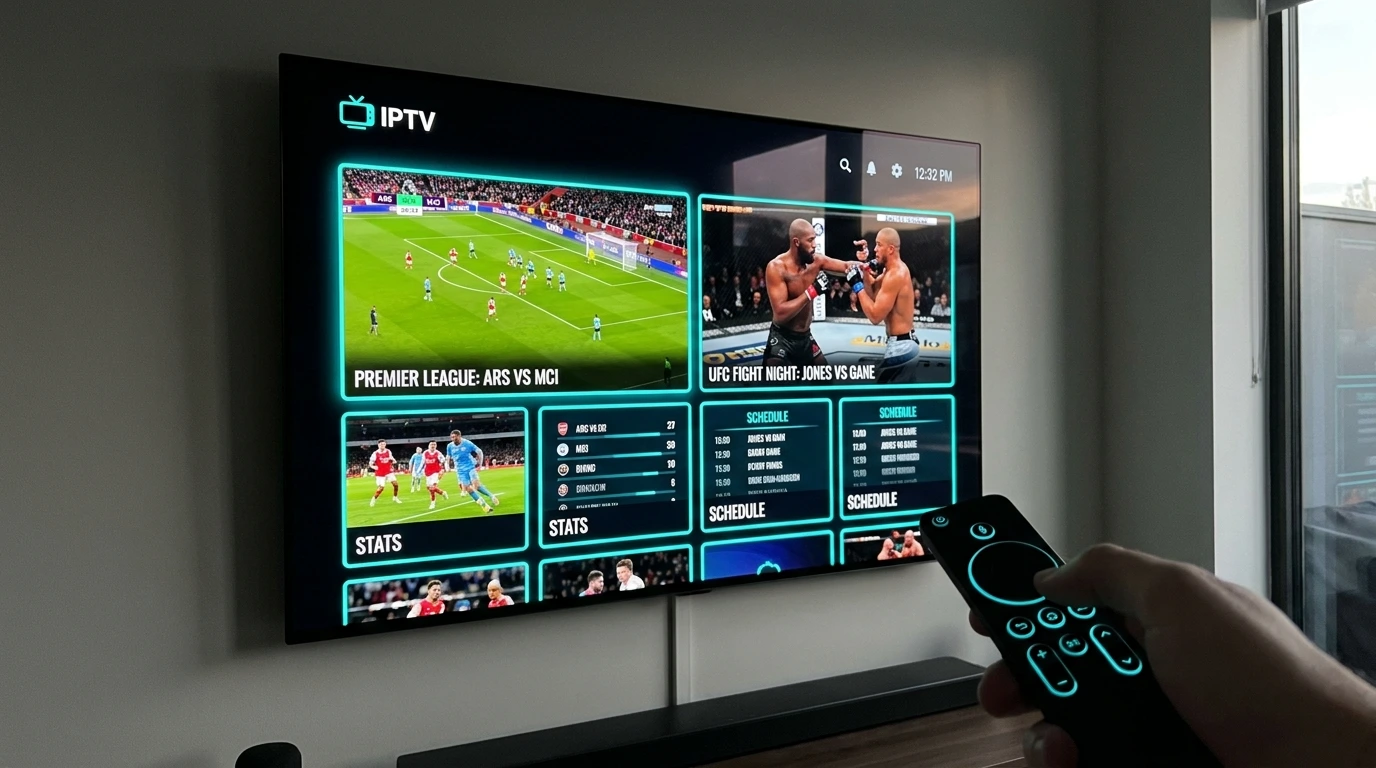
Finding the best IPTV for Firestick is not only about choosing a subscription. A smooth Fire TV setup depends on three things working together: a compatible IPTV service, a reliable player app, and a stable internet connection. If any one of those is weak, you can still run into buffering, slow channel loading, or playback errors.
This guide compares five practical Firestick IPTV setups and explains which type of user each one suits best. If you are searching for the best IPTV for Firestick, you will also learn how to choose a player, reduce buffering, configure hardware decoding, and install a compatible app on Fire TV.
If you are new to Fire TV, start with our step-by-step Firestick IPTV setup guide. Sports viewers can also see our guide on how to watch live sports and PPV events in 4K. For background on the technology itself, TechRadar’s guide to how IPTV works explains how IPTV delivers television over internet connections.
Quick Answer
The best IPTV for Firestick setup is usually a legitimate IPTV subscription paired with a Fire TV-compatible player such as TiviMate, IPTV Smarters Pro, or XCIPTV. For most users, stability, app compatibility, EPG support, and responsive playback matter more than huge channel-count claims.
Complete Firestick IPTV Directory
- 1. Why Firestick Works Well for IPTV
- 2. Pick 1: SpaceOTT – Service Option for Fire TV Users
- 3. Pick 2: TiviMate – Best Cable-Style Player Interface
- 4. Pick 3: IPTV Smarters Pro – Easy Setup for Beginners
- 5. Pick 4: XCIPTV – Flexible Player for Live TV
- 6. Pick 5: Budget Secondary IPTV Setup
- 7. Firestick IPTV Comparison Table
- 8. How to Reduce Firestick IPTV Buffering
- 9. Firestick IPTV Installation Steps
- 10. Best IPTV for Firestick FAQ
- 11. Final Firestick Setup Checklist
Why Firestick Works Well for IPTV
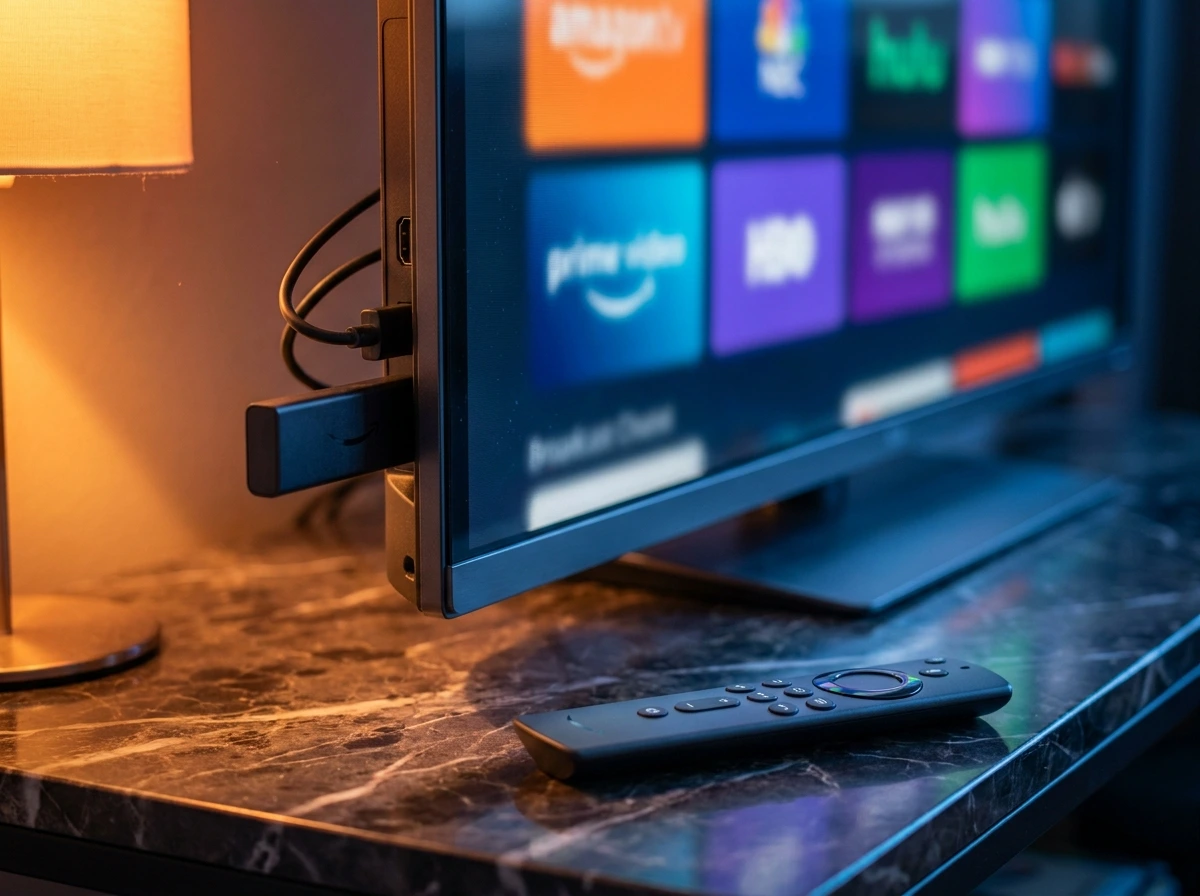
Amazon Fire TV devices run Fire OS, an Android-based operating system designed for television. Fire TV supports a wide range of streaming apps, and compatible applications can also be installed manually when they are not available in the Amazon Appstore.
That flexibility is one reason many viewers search for the best IPTV for Firestick. Newer Fire TV Stick 4K models can handle HEVC/H.265 video, modern Wi-Fi standards, and high-resolution playback, but actual stream quality still depends on the source, your network, and the player configuration.
- App flexibility: Multiple IPTV players are available for Fire TV, making it easier to build the best IPTV for Firestick setup for your needs.
- Remote-friendly interface: Popular players are designed for television navigation.
- 4K-capable hardware: Supported Fire TV models can play compatible 4K streams.
- Easy troubleshooting: Cache, app, decoder, and network settings can be adjusted directly on the device.
Pick 1: SpaceOTT – Service Option for Fire TV Users
SpaceOTT is the IPTV service offered by this website, so it should be considered as one service option rather than an independent third-party recommendation. For anyone evaluating the best IPTV for Firestick, the important checks are Fire TV compatibility, playlist or Xtream Codes support, channel availability in your region, stream stability, and whether a trial or short-term plan is available before committing.
When comparing any IPTV subscription for the best IPTV for Firestick experience, verify the current package details directly because channel lineups, VOD libraries, server availability, and pricing can change over time.
- Fire TV compatibility: Confirm that the service works with the player you plan to use.
- EPG support: A working electronic program guide makes live TV easier to navigate.
- Multiple stream qualities: HD and lower-resolution options can help when bandwidth varies.
- Short-term testing: A trial or short plan lets you test local performance before paying for a longer period.
What to Test Before Choosing a Provider
Test several channels at peak viewing hours, check how quickly channels open, confirm that the EPG loads correctly, and compare live TV with VOD playback. Those real-world checks are more useful than relying only on advertised channel totals or uptime percentages.
Pick 2: TiviMate – Best Cable-Style Player Interface
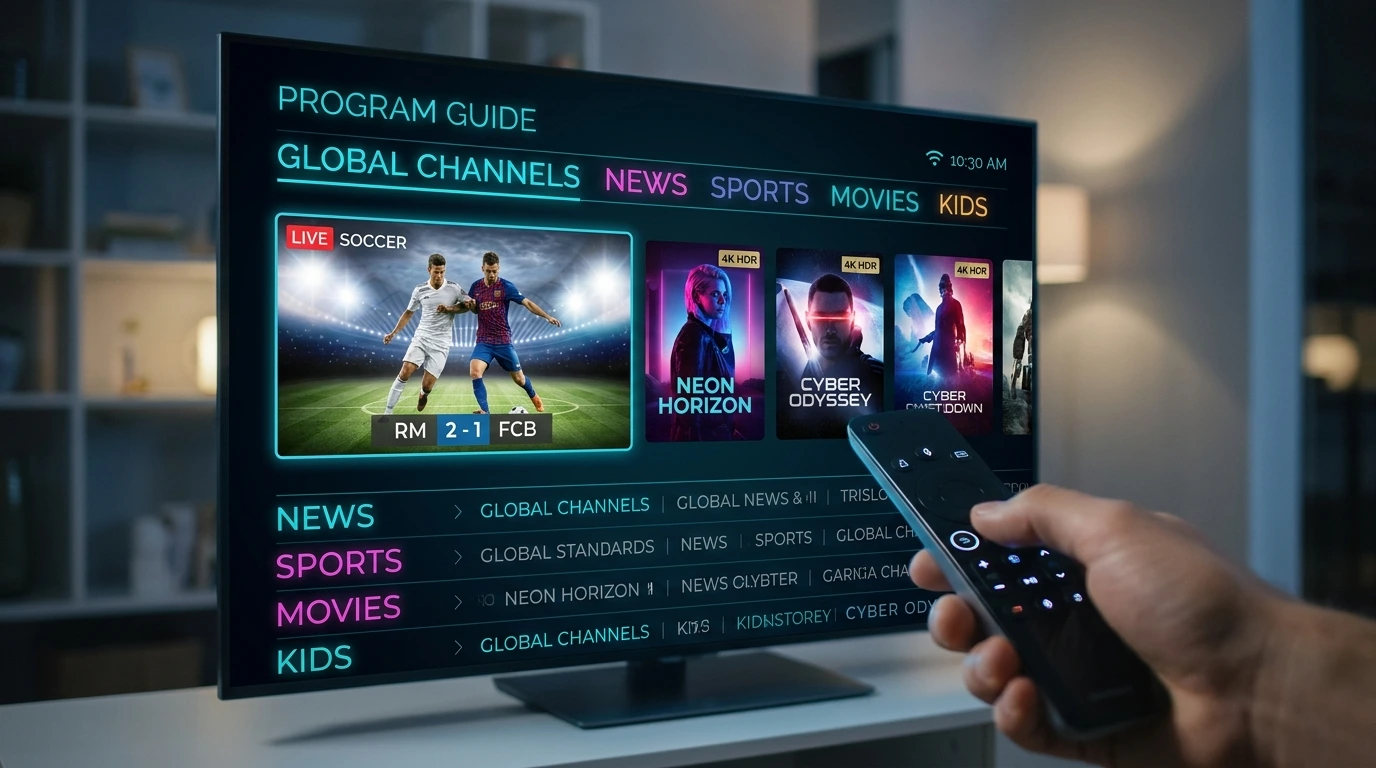
TiviMate is an IPTV player rather than an IPTV subscription. It is popular on Fire TV because its interface resembles a traditional cable or satellite guide and gives users detailed control over playlists, favorites, EPG data, and playback settings.
For users who want the best IPTV for Firestick experience with a polished television-style layout, TiviMate is a strong player option when paired with a compatible subscription.
- TV-style guide: A grid-based EPG makes channel browsing familiar.
- Favorites and groups: Organize channels without scrolling through a long master list.
- Playback controls: Decoder and buffer-related options can help troubleshoot difficult streams and improve a best IPTV for Firestick configuration.
Pick 3: IPTV Smarters Pro – Easy Setup for Beginners
IPTV Smarters Pro is another player interface that can organize live TV, movies, and series from a compatible IPTV service. Its straightforward layout makes it useful for households that want simple navigation without spending much time customizing the interface.
If your priority is easy login and familiar content categories, this type of player can be part of a practical best IPTV for Firestick setup.
- Simple dashboard: Live TV, movies, and series are separated into clear sections, which helps beginners create a simple best IPTV for Firestick setup.
- Playlist login: Compatible services can generally be added through supported credentials or playlists.
- External player support: Some versions can hand playback to another compatible media player.
Pick 4: XCIPTV – Flexible Player for Live TV
XCIPTV is a player interface commonly used with compatible IPTV subscriptions. It provides live TV, EPG, VOD, and playback controls in a remote-friendly layout.
For people comparing the best IPTV for Firestick players, XCIPTV is worth testing if you prefer its interface or if it performs more smoothly with your particular device and stream source.
- Live TV and VOD sections: Keeps different content types organized.
- Multiple playback options: Player behavior can vary by device and stream format.
- Remote-friendly layout: Designed for television navigation rather than touch-only use.
Pick 5: Budget Secondary IPTV Setup
A low-cost secondary subscription can be useful for viewers who want a backup source, but price alone should not determine the best IPTV for Firestick. Very cheap services may offer inconsistent support, unstable servers, outdated EPG data, or unclear licensing.
Before using any service, check its terms, content rights, refund policy, supported devices, and whether the channels you want are legally available in your location.
Firestick IPTV Comparison Table
The table below separates IPTV services from player apps so you can compare the role each option plays when building the best IPTV for Firestick setup:
| Option | Type | Best For | Main Strength | Important Note |
|---|---|---|---|---|
| SpaceOTT | IPTV service | Users evaluating this site’s service | Compatible IPTV access | Verify current package details and local performance |
| TiviMate | Player app | Power users | TV-style EPG and customization | Requires a separate compatible IPTV subscription |
| IPTV Smarters Pro | Player app | Beginners and families | Simple live TV/VOD navigation | Requires provider credentials or playlist access |
| XCIPTV | Player app | Users testing alternative players | Remote-friendly live TV interface | Performance depends on device and stream source |
| Budget secondary setup | Service category | Backup viewing | Lower cost | Check reliability, support, and content rights carefully |
How to Reduce Firestick IPTV Buffering
Even the best IPTV for Firestick can perform poorly if the device or network is unstable. Work through these checks before blaming the subscription:
- Use 5 GHz Wi-Fi or Ethernet: A cleaner, stronger connection can reduce packet loss and short playback interruptions, which is essential for the best IPTV for Firestick performance.
- Restart the Firestick and router: A reboot can clear temporary network and memory problems.
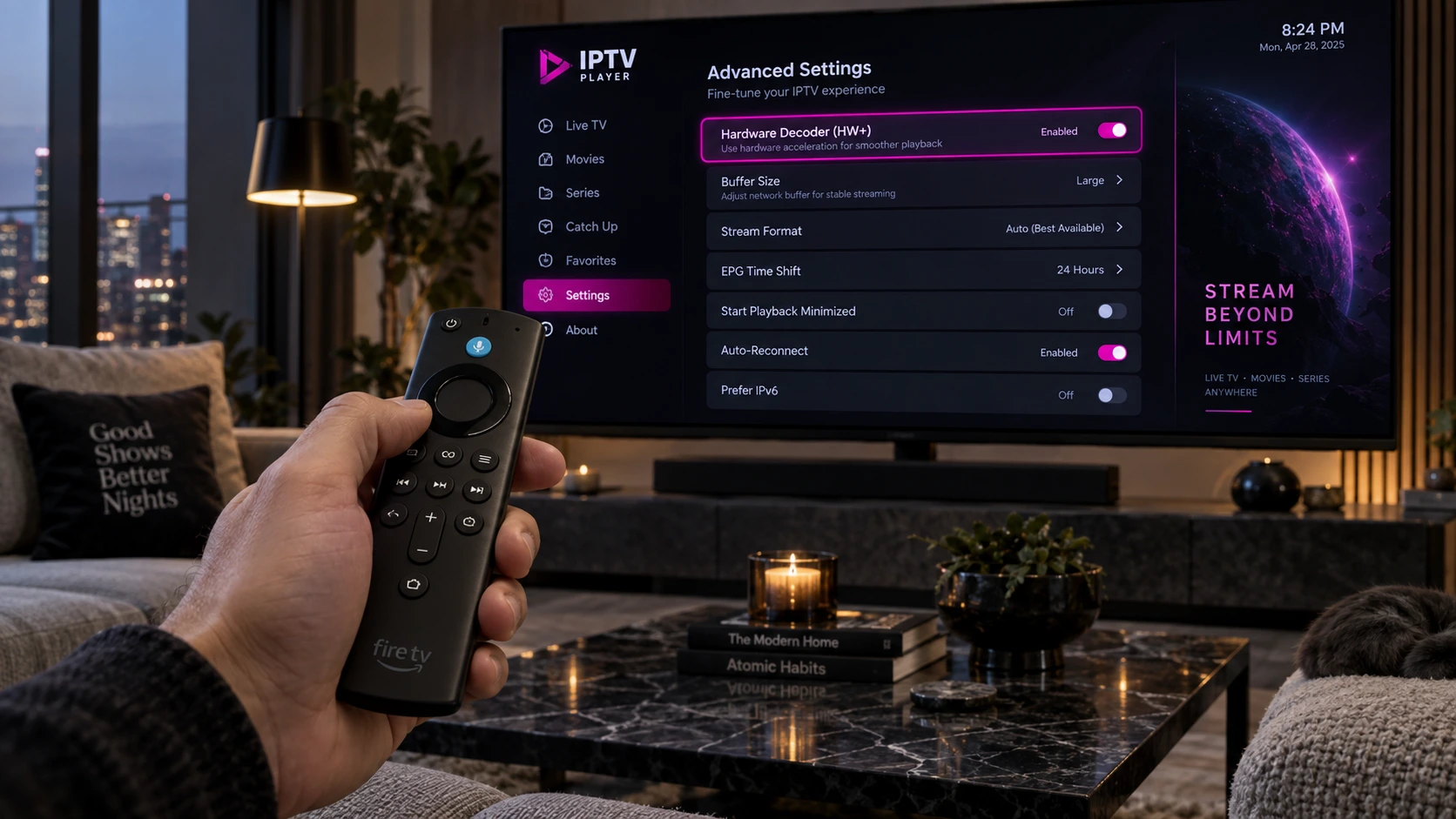
- Test hardware decoding: If your player offers hardware and software decoding modes, compare them and keep the one that works best on your device.
- Clear app cache when necessary: If an app becomes slow or unstable, clearing temporary cache can help without deleting account data.
- Close unused background apps: Freeing memory can help on lower-powered Fire TV models.
- Lower stream resolution: If 4K buffers but 1080p works smoothly, bandwidth or device performance may be the limiting factor.
- Test DNS only when appropriate: Changing DNS can help with name-resolution issues, but it does not increase your raw internet speed or automatically bypass throttling.
Firestick IPTV Installation Steps
Once you have a legitimate subscription and a compatible player, setting up the best IPTV for Firestick configuration is usually straightforward:
- Step 1: Choose a compatible player: Use an app available from a trusted source and confirm that it supports your subscription format.
- Step 2: Install the player: Use the Amazon Appstore when available. If an app requires manual installation, use the developer settings only for software you trust.
- Step 3: Add your subscription: Enter the playlist or login credentials supplied by your legitimate IPTV provider.
- Step 4: Load the EPG and test channels: Check several channels, including at busy viewing times.
- Step 5: Tune playback settings: If needed, test decoder mode, stream quality, and network connection to complete your best IPTV for Firestick setup.
Best IPTV for Firestick FAQ
The best option depends on the service you are legally subscribed to, the channels you need, and how well it performs on your connection. For the player side, TiviMate, IPTV Smarters Pro, and XCIPTV are common Fire TV-compatible options. Test your chosen service during peak hours before committing to a long plan.
TiviMate is a popular choice for users who want a cable-style EPG and extensive customization. IPTV Smarters Pro is easier for beginners, while XCIPTV is another useful alternative. The best player is the one that works reliably with your provider and Fire TV model.
Yes. Fire TV devices can run compatible IPTV player apps. You still need a legitimate IPTV service or playlist source; the player itself does not provide television channels.
A VPN is not automatically required for IPTV. Some users choose one for privacy or when traveling, but a VPN can also reduce speed. Use IPTV services and content in accordance with applicable laws and provider terms.
A current 4K-capable Fire TV model is the better choice if you plan to stream 4K content. Your actual results also depend on Wi-Fi quality, available bandwidth, codec support, and the quality of the stream source.
Common Firestick Setup Scenarios
Test 5 GHz Wi-Fi or Ethernet, restart the router, compare another channel, and lower the stream resolution. If only one feed buffers, the problem may be upstream rather than your Firestick.
Close unused apps, restart the Firestick, and clear the player’s cache if necessary. Avoid deleting app data unless you are prepared to enter your credentials again.
Compare hardware and software decoding modes and test a lower stream quality. Decoder compatibility can differ between Fire TV models and player apps.
Final Firestick Setup Checklist
Choose the Setup That Works on Your Network
The best IPTV for Firestick is a combination of a legitimate service, a compatible player, and a stable network. Start by choosing a provider that supports Fire TV, then test TiviMate, IPTV Smarters Pro, or XCIPTV to see which interface and playback engine work best for you.
Before paying for a long subscription, test real-world performance at the times you normally watch. Stable playback, accurate EPG data, responsive support, and transparent service terms matter more than exaggerated channel counts or unsupported “zero buffering” promises.